TightVNC - Install, Upgrade
-
TightVNC can be upgraded using the Custom Software feature in VulnDetect - Corporate:
https://corporate.vulndetect.com/#/deployment/custom-create-jobDownload the latest installers from the official website:
https://www.tightvnc.com/download.htmlThe parameters used in this guide are present in TightVNC's official documentation:
https://www.tightvnc.com/doc/win/TightVNC_2.7_for_Windows_Installing_from_MSI_Packages.pdfTo install TightVNC with its default settings use /quiet /norestart, this will install (or upgrade) both Viewer and Server.
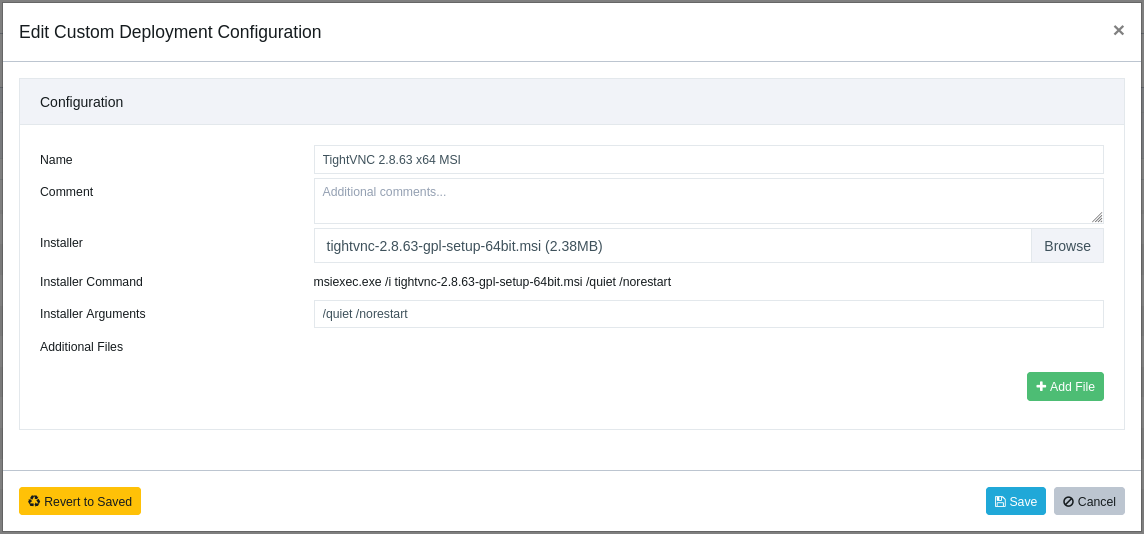
If you would like to install a specific component of TightVNC, use the standard MSI property
named ADDLOCAL. The following three commands install only the server part, only the client part
and both parts, correspondingly:• msiexec /i tightvnc-2.8.63-gpl-setup-64bit.msi /quiet /norestart ADDLOCAL=Server • msiexec /i tightvnc-2.8.63-gpl-setup-64bit.msi /quiet /norestart ADDLOCAL=Viewer • msiexec /i tightvnc-2.8.63-gpl-setup-64bit.msi /quiet /norestart ADDLOCAL="Server,Viewer"Note that running the installer with e.g., ADDLOCAL=Server, on a system with both Viewer and Server, will remove the Viewer.
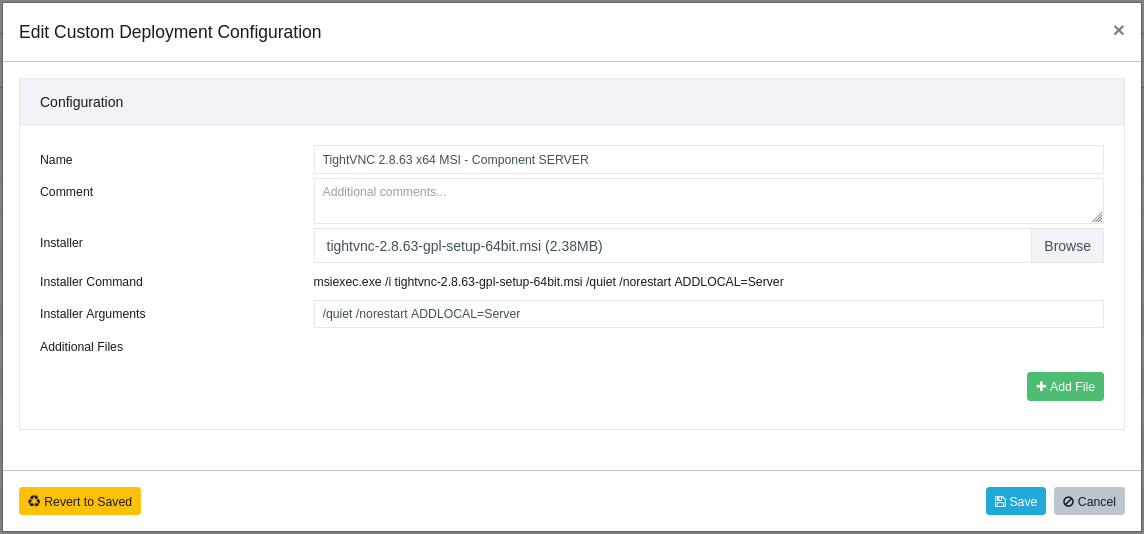
TightVNC with the Server component only.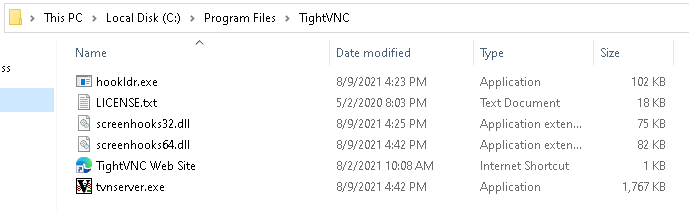

Hello! It looks like you're interested in this conversation, but you don't have an account yet.
Getting fed up of having to scroll through the same posts each visit? When you register for an account, you'll always come back to exactly where you were before, and choose to be notified of new replies (either via email, or push notification). You'll also be able to save bookmarks and upvote posts to show your appreciation to other community members.
With your input, this post could be even better 💗
Register Login