Sysinternals Tools - Missing Icons
-
I recognized that the following tools from Sysinternals have no app-icon in the list of apps:
- Sysinternals AccessChk
- Sysinternals Autologon
- Sysinternals ClockRes
- Sysinternals Contig
- Sysinternals Coreinfo
- Sysinternals Disk Usage
- Sysinternals DiskExt
- Sysinternals FindLinks
- Sysinternals Handle
- Sysinternals Hex2dec
- Sysinternals Junction
- Sysinternals ListDLLs
- Sysinternals LiveKd
- Sysinternals LogonSessions
- Sysinternals MoveFile
- Sysinternals NTFSInfo
- Sysinternals Pendmoves
- Sysinternals PipeList
- Sysinternals ProcDump
- Sysinternals PsExec
- Sysinternals PsFile
- Sysinternals PsGetSid
- Sysinternals PsInfo
- Sysinternals PsKill
- Sysinternals PsList
- Sysinternals PsLoggedon
- Sysinternals PsLogList
- Sysinternals PsPasswd
- Sysinternals PsPing
- Sysinternals PsService
- Sysinternals PsShutdown
- Sysinternals PsSuspend
- Sysinternals RegDelNull
- Sysinternals Registry Usage
- Sysinternals Regjump
- Sysinternals SDelete
- Sysinternals Sigcheck
- Sysinternals Streams
- Sysinternals Strings
- Sysinternals Sync
- Sysinternals Sysmon
- Sysinternals VolumeID
- Sysinternals Whois
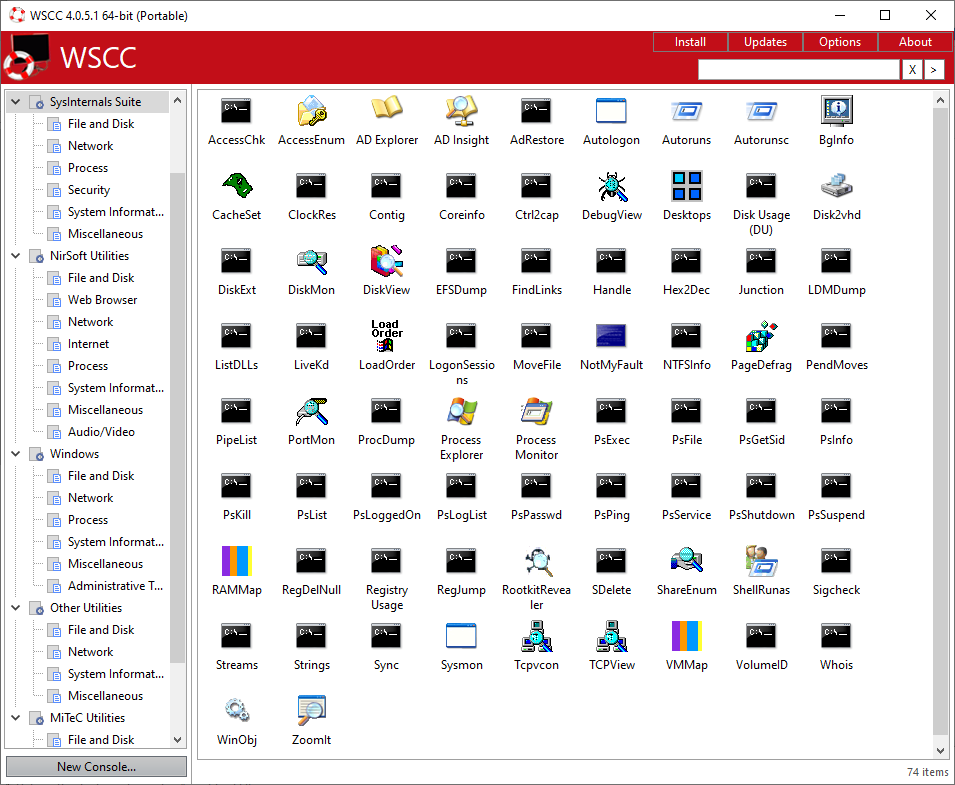
In WSCC many of them (but not all of them) have the Command-Shell icon:
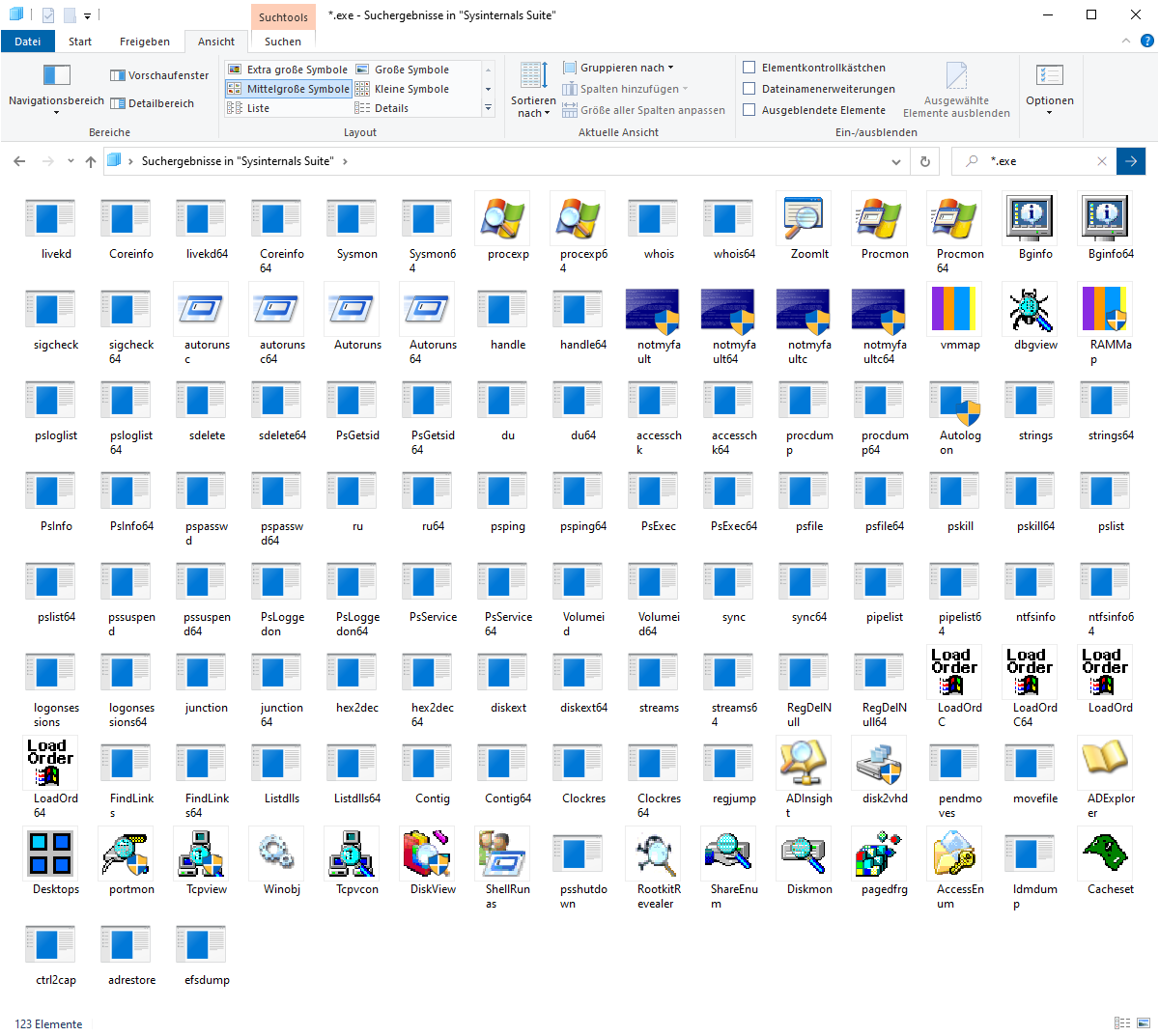
In the Windows 10 Explorer they have the "Application" icon:
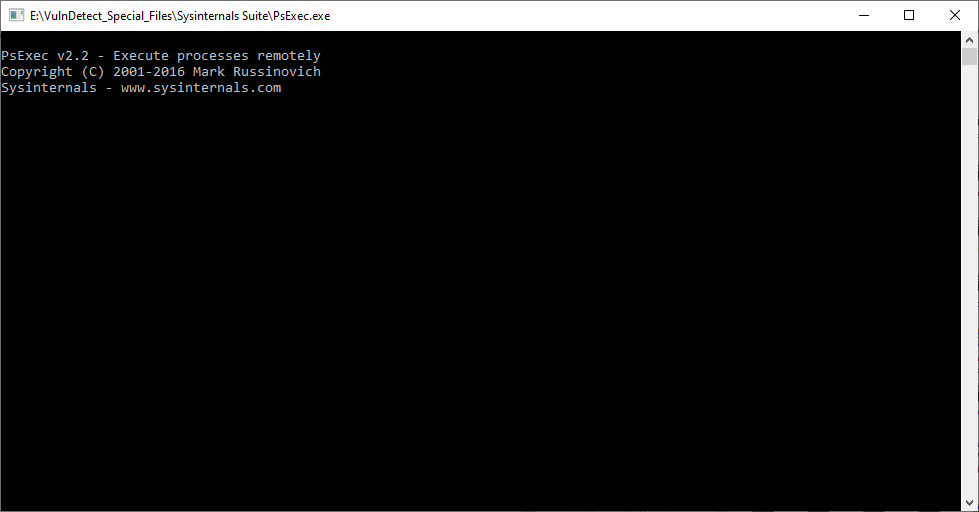
If you start one of these apps, a command window is opened and immediately closed:
So I suggest that we use the Command-Shell icon that can be found in %windir%\system32\cmd.exe
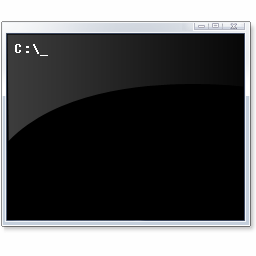
In the Toolbox for VulnDetect this icon looks fantastic (you can read the command C:\ _ )
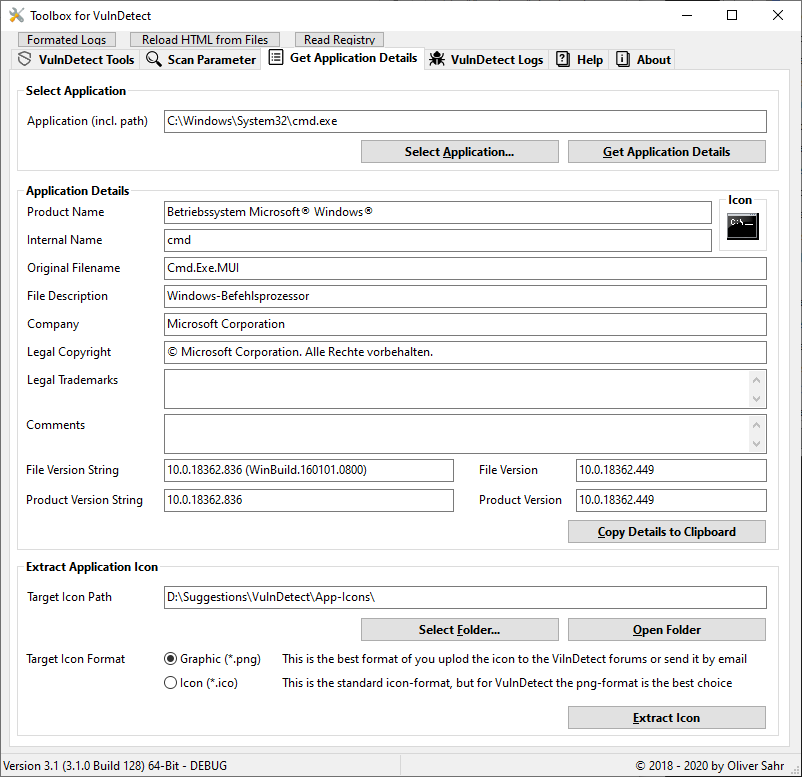
And this is exactly the same icon, that you see in WSCC.
-
Here is the icon that is used in the Windows 10 Explorer (if you need it):


Hello! It looks like you're interested in this conversation, but you don't have an account yet.
Getting fed up of having to scroll through the same posts each visit? When you register for an account, you'll always come back to exactly where you were before, and choose to be notified of new replies (either via email, or push notification). You'll also be able to save bookmarks and upvote posts to show your appreciation to other community members.
With your input, this post could be even better 💗
Register Login